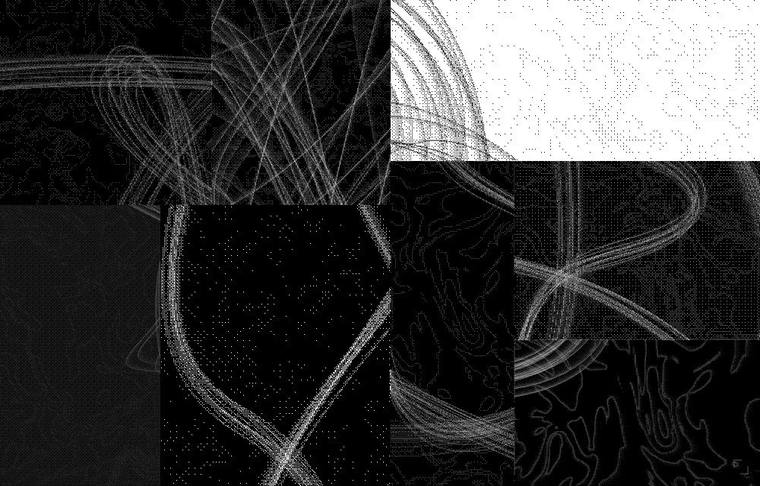
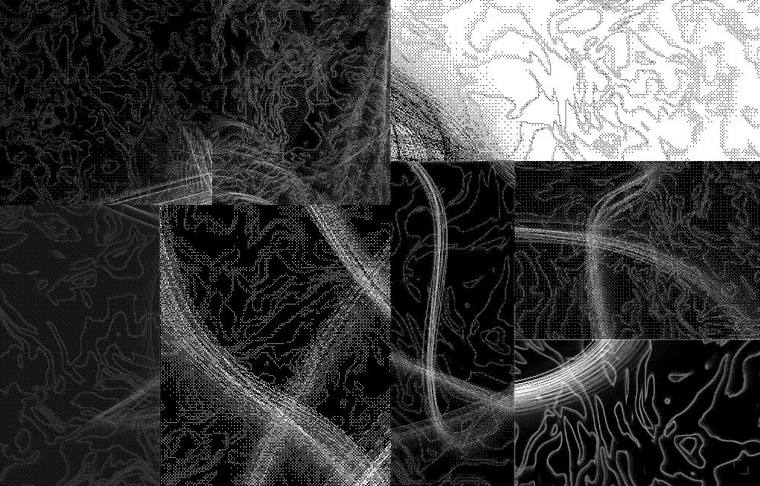
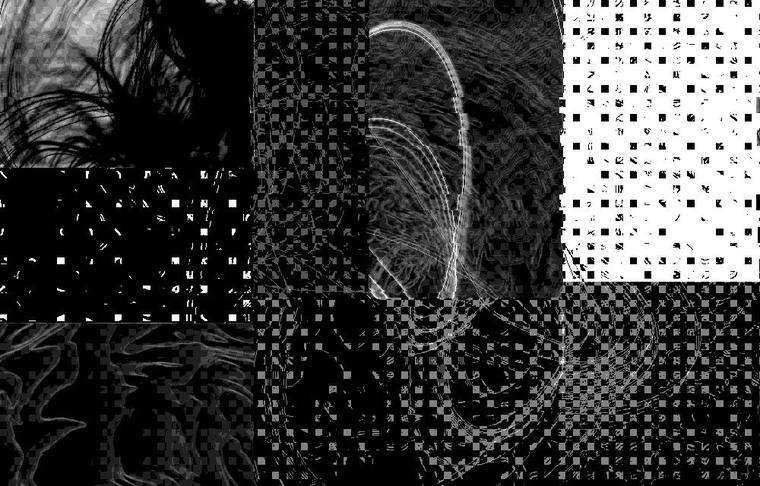
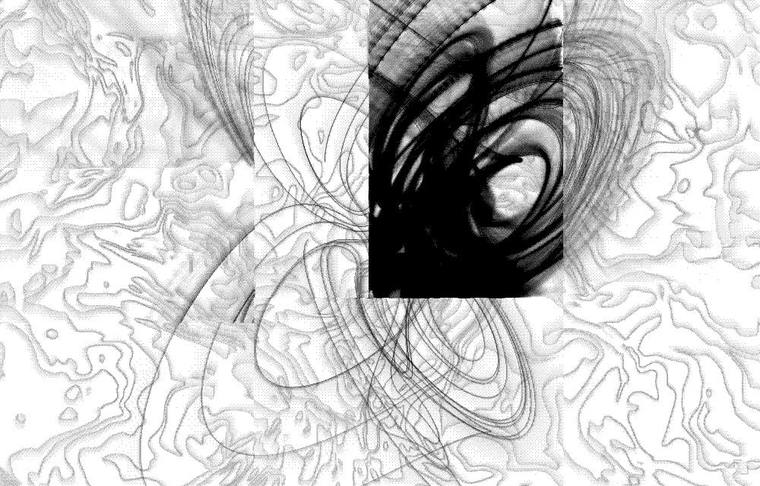
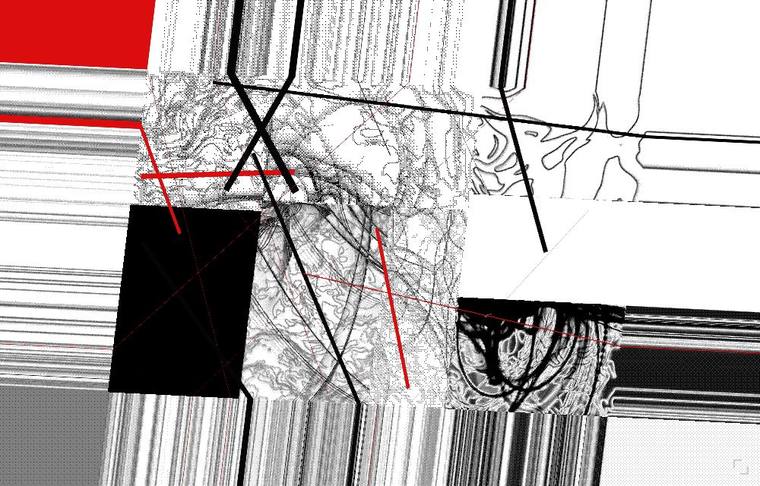
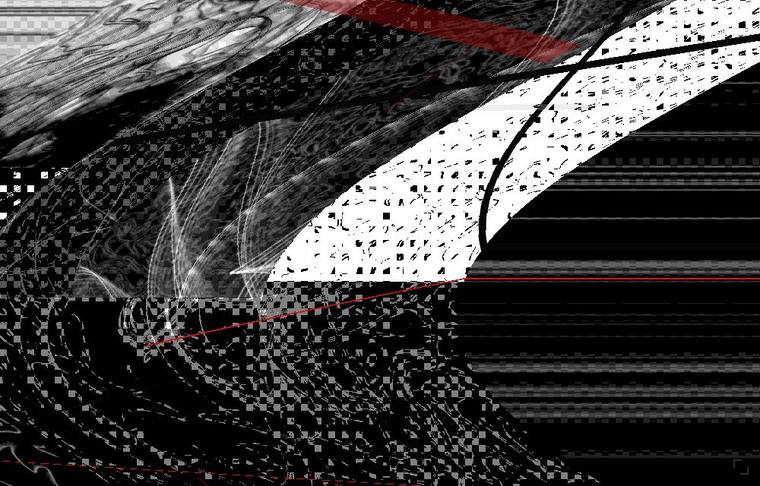
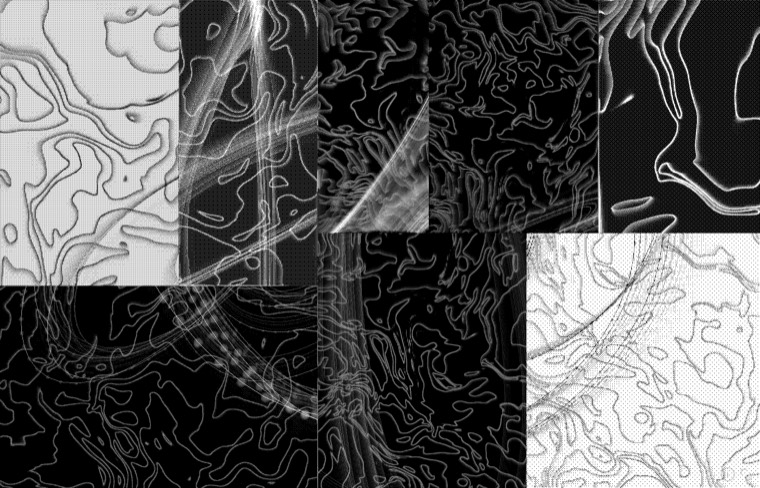
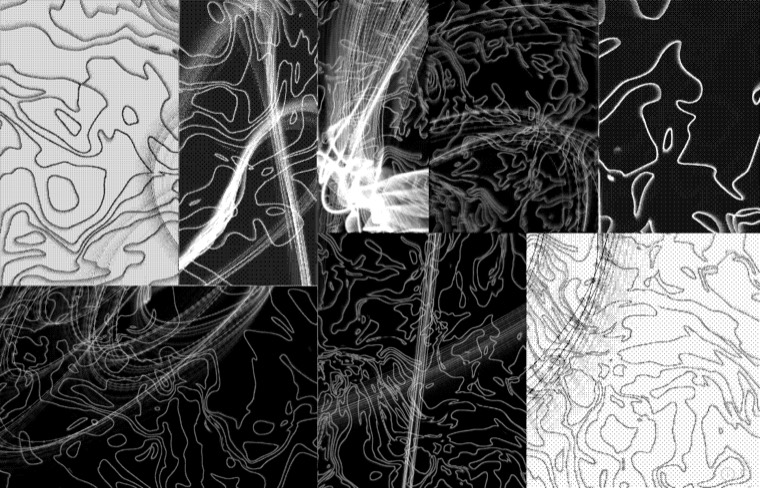
The whole screen is one enormous black-and-white organism, broken into
eight shards, each broken differently. Those shards are also eight audio tracks.
Every track runs on its own clock, and the ratios only line up
about once every 112 seconds — so the same bar never comes round twice.
Every single note re-rolls its own timbre as well.
The sound is a synthesis engine compiled to Faust → WebAssembly inside your browser.
There are no recordings anywhere in it.
⚠ On a phone this is a very limited experience.
The piece is built around a keyboard: on mobile you get tap-to-play and a couple of gestures,
and nearly everything else — effect keys, tap tempo, text projection — is unavailable.
Use a computer with a keyboard.
Nothing is playing when you arrive. Click or tap a shard and that track wakes up.
Every tap fires a hit immediately, so you are never left wondering whether it worked.
開いた直後 — 全トラック停止On arrival — all tracks silent4区画を起こした状態 — それぞれ別テンポで走るFour shards awake — each on its own tempo
どの区画がどの音かは毎回ランダムです。位置と音は結びついていません。
Which shard holds which sound is random every visit. Position and sound are not linked.
02マウス操作Mouse
操作
起きること
Action
What happens
クリック
その区画のトラックを ON / OFF。押した瞬間に必ず一撃鳴る
ダブルクリック
そのトラックを丸ごと引き直す。音色・シーケンス・クロック速度・エフェクト送りまで全部。強制的に ON になる
長押し
その区画の見た目だけ壊し直す。音は変わらない
ドラッグ 横
左=遅いビート / 右=速いビート。8本のクロックを比率を保ったまま 0.54〜1.84 倍
ドラッグ 縦
下=低くて長い / 上=高くて短い。ルート音・フィルタ・リリースが同時に動く
激しく振り回す
歪み・ノイズ量・レゾナンスが上がり、速く振るほど連打が自動で出る。極端に振ると自壊する
ホイール
印刷の粗さ。1ドットから画面数個の塊まで(1〜160)
Click
Toggle that track on or off. A hit always sounds on the press
Double-click
Re-roll the whole track — timbre, sequence, clock rate, effect send. It is forced on so you hear what you made
Press and hold
Re-breaks how that shard looks only. The sound is untouched
Drag horizontally
Left is a slow beat, right is a fast one. All eight clocks scale together, 0.54x to 1.84x, keeping their ratios
Drag vertically
Low and long at the bottom, high and short at the top: root note, filter and release move together
Shake it hard
Drive, noise and resonance climb, and the harder you move the faster it rolls. Go far enough and the plate tears itself apart
Wheel
Print coarseness, from one dot per pixel to a handful of slabs (1–160)
I54枚の写真の破片 — 破れた四角・丸・多角形Shards of 54 photographs — torn rectangles, discs, polygons激しく振り回した瞬間 — 線が極太に膨れるMid-shake — the stroke swellsホイールで粗さ最大 — 解像度の限界Wheel at the far end — coarsest print
Tap tempo, 5–300 BPM. From the second tap a black/white strobe starts and stays locked to it. To change tempo drastically, tap the new speed two or three times — a single stray tap will not move it, and holding the bar down is ignored. Space itself makes no sound: tempo and visuals only
Esc
Stop the strobe
Enter
All eight shards agree and you see the one creature for about 3.6 s. Hold to extend
Enter×3
Three times within 0.9 s: every track off, and all lines and dots wiped
A
Ambient unification mode, on/off. The cell borders dissolve completely and the plate becomes one single image. The sound is untouched; press again to return
R
Roll everything. All eight timbres, sequences, clocks, effects and the organism's body at once. From silence it wakes a few tracks and starts playing
X
Total collapse, then a few seconds to recover. The sound goes with it
P
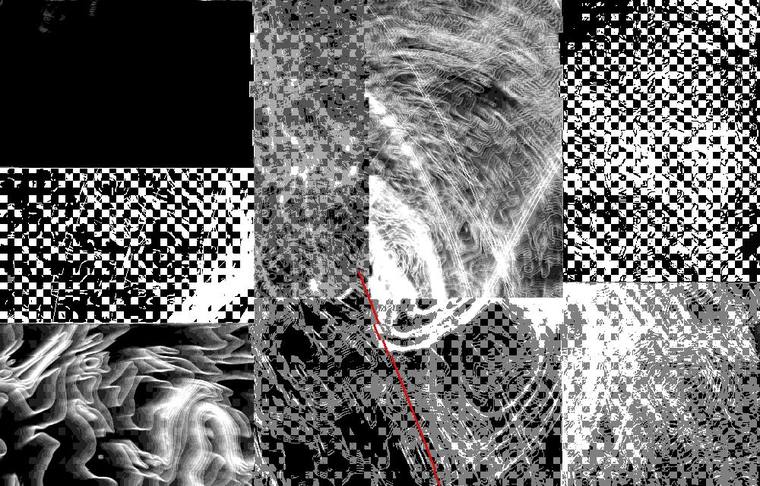
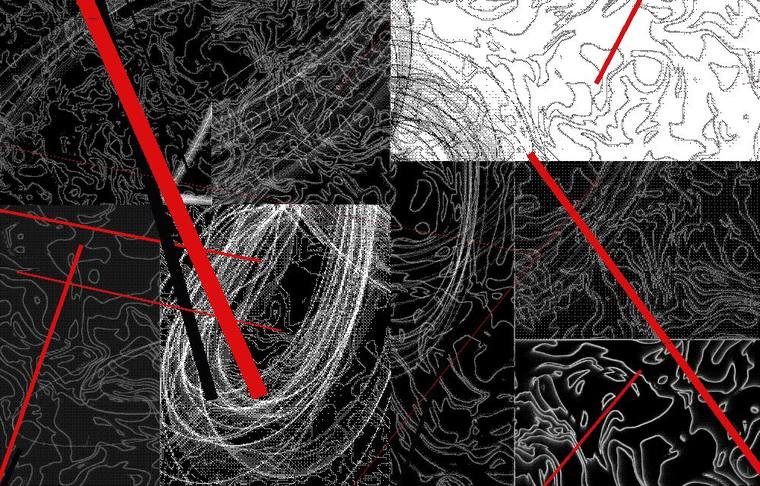
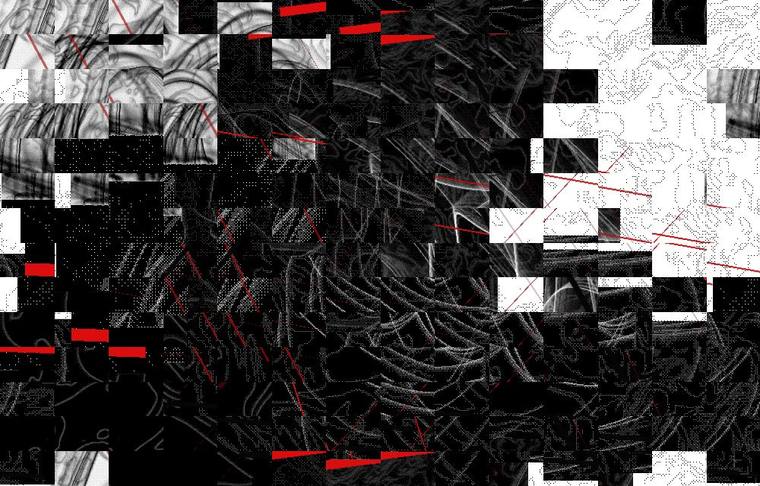
Red and black streaks tear across from six directions
O
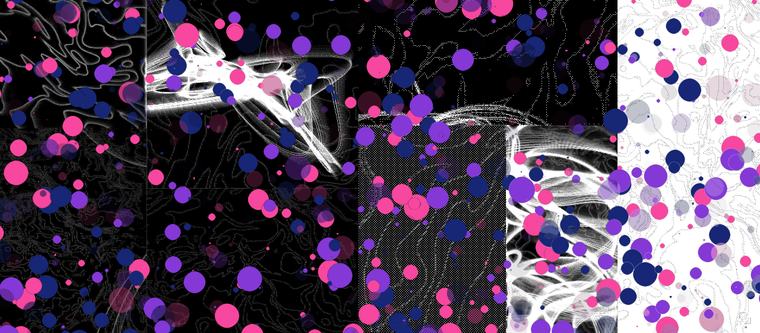
Dots bloom across the whole plate
M
Re-rolls every colour in the lines and the dots. Marks already on screen repaint instantly
I
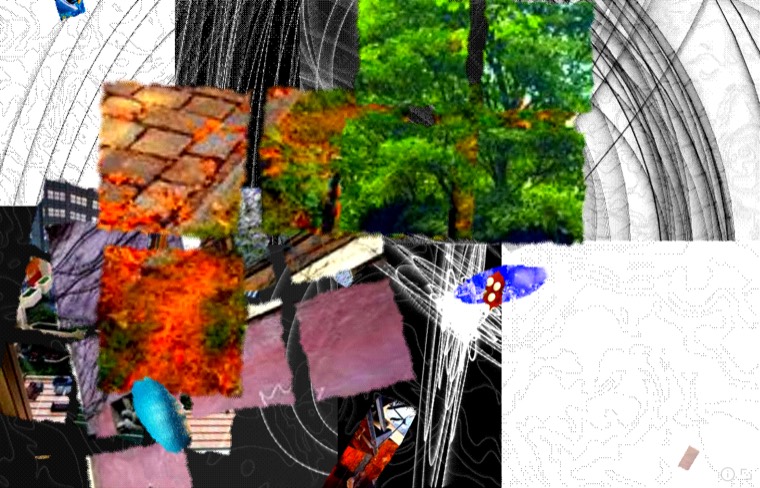
Fifty-four photographs tear into shards and scatter for an instant. 78% of the time a patch reassembles correctly and you can see what it is. Shards come out as torn rectangles, discs and lopsided 3- to 6-sided pieces
↑
Re-roll only the melody lines of the five melodic tracks. Timbres stay; drums stay
↓
Re-roll only the timbres of the five melodic tracks. Melodies stay; drums stay
←
Re-roll everything except the kick (R with the kick spared). Wakes a few tracks from silence
→
Re-roll a random half of the plate (four tracks)
1–9
The whole plate spins, streams, tunnels or shears while held. Image only
VBGHJKYN
Eight image-only spells while held: vortex / lens / slab glitch / endless dive / camera knock / kaleidoscope / stacked slats / melt. The sound is untouched
0×2
Text projection. A quiet box appears bottom-right; type or paste a string, then double-tap 0 again. The text appears bottom-right — 2 s fade in, 5 s held, 2 s fade out, on a 10 s cycle — and every effect deforms it with everything else. Commit an empty box to clear it. While typing, no key reaches the instrument
Text projection details: a single 0 inside the box types a normal zero —
only the double-tap commits. Esc discards. The text runs a 10 s cycle — 2 s in, 5 s held, 2 s out, 1 s dark — bottom-right,
and lives on the same layer as the marks, so it is bent
by exactly the same machinery as P's streaks and the photo shards.
スマホの場合On a phone
2本指タップ = Enter(統合)
3本指タップ = X(崩壊)
キーボード専用の機能は PC でどうぞ
Two-finger tap = Enter (unify)
Three-finger tap = X (wreck)
The rest of the keys need a keyboard
Enter — 1匹に戻る数秒one creature, brieflyX — 崩壊、そして復帰collapse, then recovery
The flash is driven by the DSP's own step counter, not a JavaScript timer.
It is locked to the audio itself, so dragging the clock faster takes the strobe with it.
拍の表on the beat拍の裏 — 完全反転off the beat — fully inverted
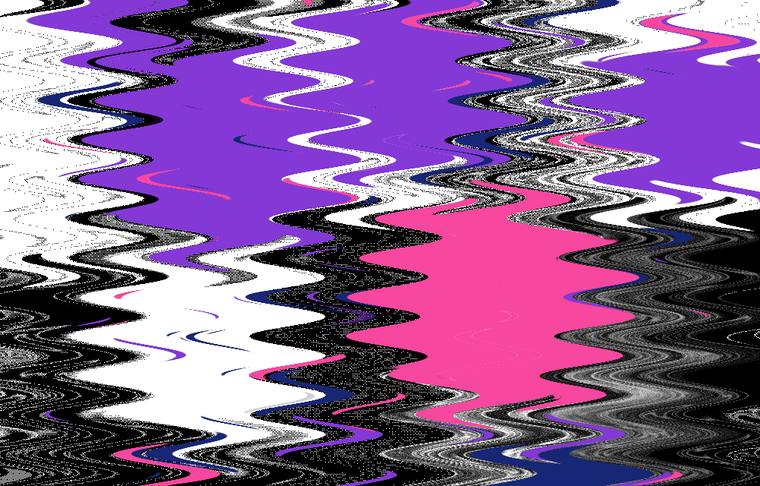
The piece is monochrome. These two keys are the only colour in it, and both accumulate every time you press.M re-rolls that colour entirely — pink, purple, navy and red are only where it starts.
Eleven to eighteen streaks, based on six directions, each with its own thickness,
speed, delay and length. Thickness is heavily biased towards hairlines with the occasional
heavier stroke. Speed is log-uniform, so a streak that takes 4.5 seconds to cross
flies alongside one gone in 0.12 seconds. 42% stop dead partway and never make it across.
Fifty-five to a hundred and fourteen discs per press, scattered across the whole frame,
in pink, purple and navy. About half print solid; the rest have varied opacity,
so layers stay legible as they pile up. They fade over 3.5–9 seconds, but
hammer the key and you can hold over a thousand on screen at once.
Enter×3 clears them instantly.
O — 12回連打した状態after twelve rapid presses
線と水玉は専用のレイヤーに描かれていて、下の FWSECT
の変形がそのまま乗ります。線を飛ばしながら F を押すと、赤い線も一緒に万華鏡に折り畳まれます。
Lines and dots live on their own layer, sampled through the same deformed coordinates
as the plate — so the effects below apply to them too. Press F while streaks are
flying and the red folds into the kaleidoscope with everything else.
Six keys, each bending sound and image together. On the audio side they sit on the master bus — right after the glue compressor and before the master gain — so all eight tracks, the drag strike, the noise bed and the delay and reverb returns all pass through them. Even a quick tap gets the full effect: a press latches for 420 ms.
VBGHJKYN are
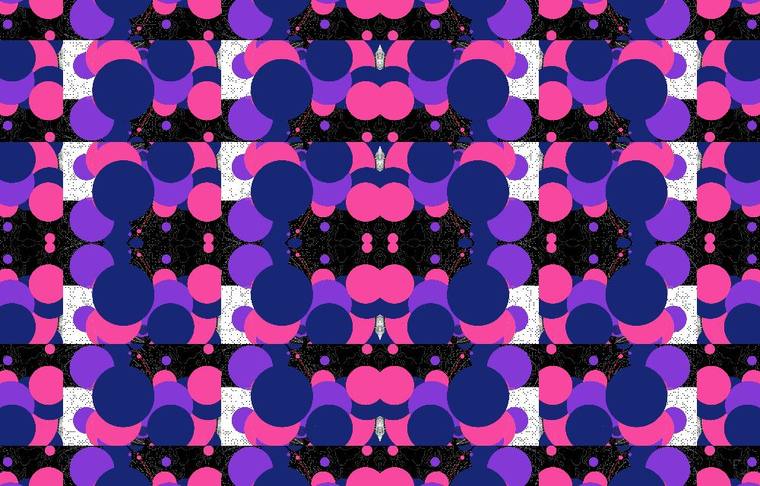
eight further spells that bend the image only: a vortex, a pressed-in lens, vertical slabs
slipping independently, an endless dive into the centre, a camera that takes punches, a turning
kaleidoscope, the frame stacked into slats, and a wax melt. They never touch the sound, so you can
wreck the picture without wrecking what is playing. The screensaver presses them too.
音側で何をしているかWhat each one does to the sound
F フランジャー — 0.15〜9.5ms の変調ディレイ、フィードバック 0.91 の深いコム
W ワウ — Q=24 のバンドパスが 170Hz〜7.7kHz を往復。他の帯域は通さない
S ストッター — テンポ同期の短いディレイ、フィードバック 0.94 のほぼ無限反復
E リングモッド — 双極性の掛け算なので元のピッチが消える(重心が1.6オクターブ移動)
C ビットクラッシュ — 2値量子化+サンプルレート 420Hz まで低下
T テープストップ — 読み出し点が遅れていってピッチが落ち、同時に高域が死ぬ
F flanger — a 0.15–9.5 ms modulated delay with 0.91 feedback: a deep resonant comb
W wah — a Q=24 bandpass sweeping 170 Hz to 7.7 kHz, and nothing else gets through
S stutter — a short tempo-synced delay at 0.94 feedback, near-infinite repeat
E ring mod — bipolar multiplication, so the original pitch is annihilated (centroid moves 1.6 octaves)
C bit crush — two-level quantisation and sample rate down to 420 Hz
T tape stop — the read point drags further behind, bending pitch down as the top end dies
All six sit after the glue compressor. In front of it the compressor simply filled in
every gap the stutter cut and pushed the tape stop's dip back up, which made them nearly
inaudible. Level change is held to x0.5–x2 across all six, so
the character moves violently while the loudness does not.
Every frame the plate re-photographs itself. The number keys bend that re-photographing transform, so the whole image starts moving without a single thing being redrawn. The trails are what you see, so holding a key keeps deepening it over several seconds. None of this touches the sound.
1 / 2 — 時計回り / 反時計回りに回る
3 / 4 — 右へ / 左へ流れる
5 / 6 — 上へ / 下へ流れる
7 — 中心に吸い込まれる(渦を巻いたトンネル)
8 — 外へ膨らんで飛び出す
9 — 斜めに剪断されてねじれる
1 / 2 — spin clockwise / anticlockwise
3 / 4 — stream right / left
5 / 6 — stream up / down
7 — fall inward, a slowly twisting tunnel
8 — blow outward past the edges
9 — shear diagonally and wring itself out
1回転 — 残像が弧を描くSpin — the trails draw arcs7吸い込み — 全部が一点へ落ちていくFall inward — everything drains to a point
押した瞬間に立ち上がり、離すとゆっくり戻ります。P や I と重ねると、線や破片も一緒に流されていきます。
It ramps up the moment you press and eases back out when you let go. Stack it with P or I and the lines and shards get carried along with everything else.
Eight tracks, 38 synthesis structures in total — four each on the top five, six each on
the bottom three — and every track re-rolls fifteen continuous parameters on top of that.
The same sound does not come back.
Press the crescent button bottom-right and the piece starts playing itself. (It never
engages on its own.)
Every one to six beats it fires one of the same actions you have — the whole keyboard:
effect keys (F–T, V–N) held one to four beats, 1–9 flows, P lines,
O dots, M recolours, I photo
bursts, A ambient unification for a few beats, Enter, X, and all
four arrow rolls. It stacks them too: a spell over a flow, a recolour before a volley of
lines, photographs thrown through a kaleidoscope. Measured: 15–22 actions
every 20 seconds, with an effect key held roughly 40% of the time.
The timing comes from the DSP's step counter, not a JavaScript timer.
Tap a tempo in on Space first and the screensaver performs on that beat
(tapped 90 BPM measured 90; tapped 160 measured 159). It leaves the kick's clock alone while
idle so the pulse you set stays put.
Any click or any key ends it automatically. And if nothing was playing when you started it,
it stays silent — only the image keeps moving.